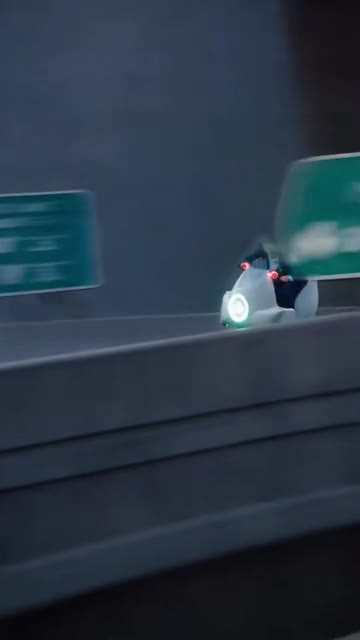
ONE PHOTO. MAIN CHARACTER ENERGY.

CrazyFrog AI VideoGENERATOR

Step into the invisible-motorcycle chase. Upload one photo and let AI put you in the lead — a 15-second vertical video, powered by Seedance 2.5.

01 / YOUR PHOTO

Upload your photo

Best results: one person, a clear face, and good lighting.
Video duration
15sFull reference sequence
Video quality
HD720p · 9:16
Vertical, ready to share
How is my photo used?

Your photo is used as the character reference and processed with the selected video and audio references. Upload only photos you have permission to use.

1000 credits / videoFailed tasks refunded
Your chase starts hereSeedance 2.5
Reference clip
The original chase
Your video
The next rider is you

Upload your photo and generate a new version with you in the lead.

9:16 · 720p · MP4
Your AI video appears here

Preview the reference, then make the chase your own.

My videos

Pick your next adventure

View all plans

Each generation uses 1000 credits. Packs are one-time purchases; no subscription required.

SMALL INPUT. BIG ENTRANCE.

Your photo has places to be.

A focused video experience: one reference, one photo, one new lead character.

PHOTO TO UPLOAD1

One clear portrait is all you need to start.
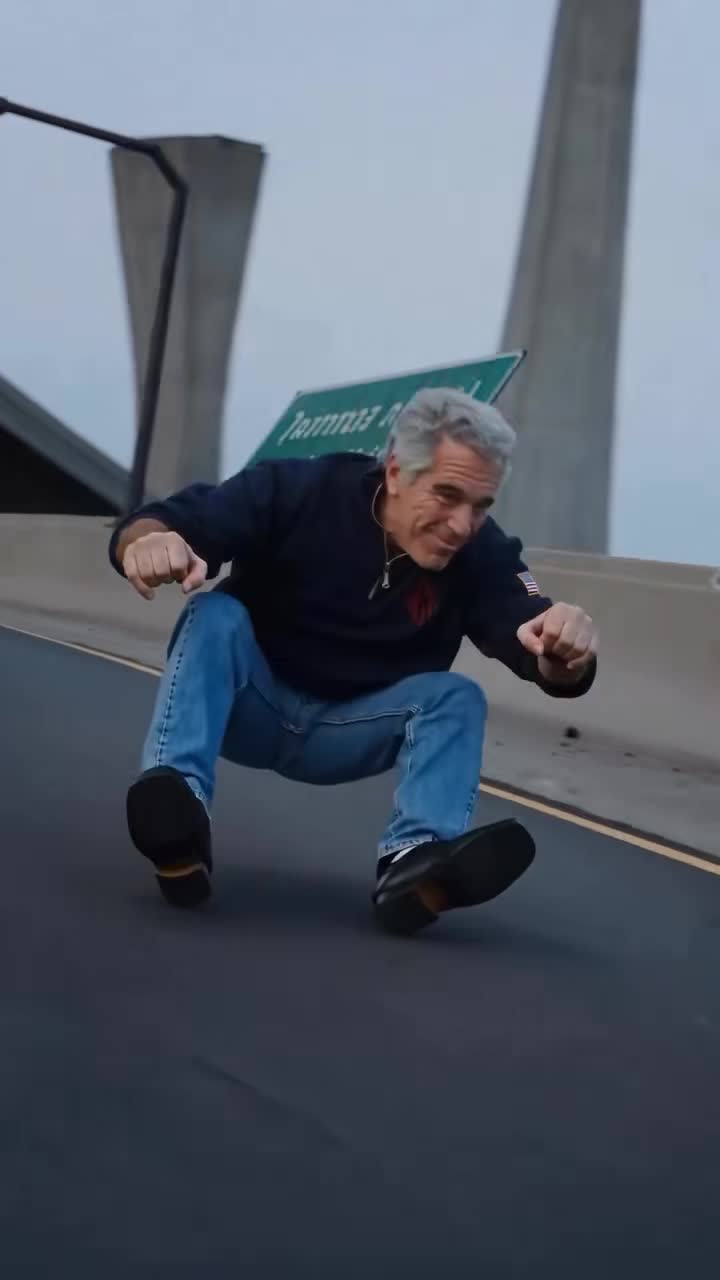
SECONDS OF ACTION15s

Follow the complete reference chase.

VERTICAL VIDEO720p

9:16 MP4, made for your phone screen.

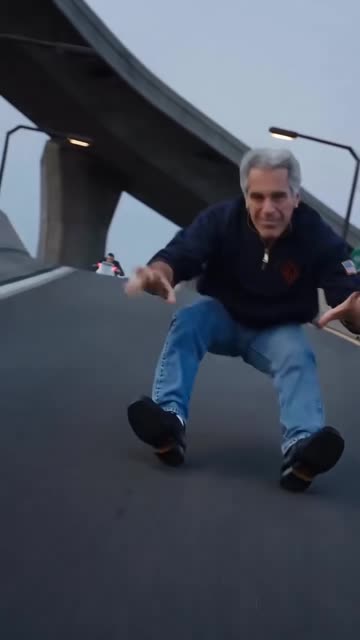
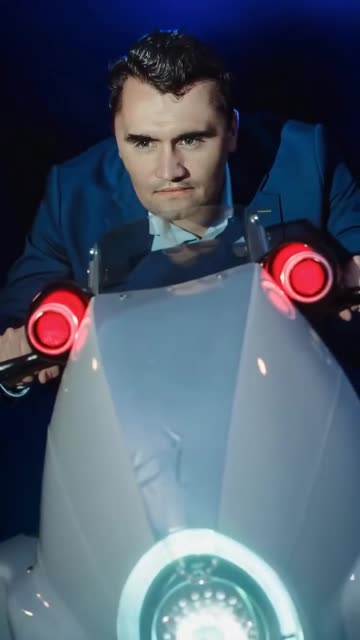
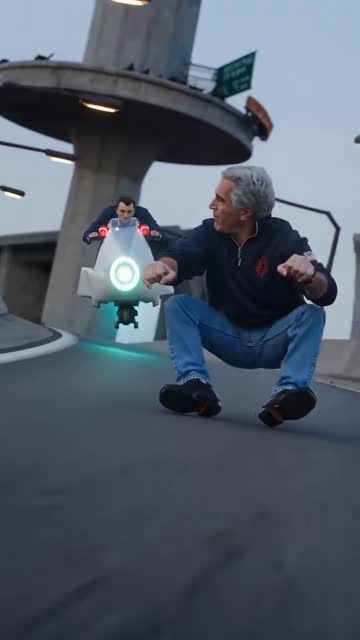
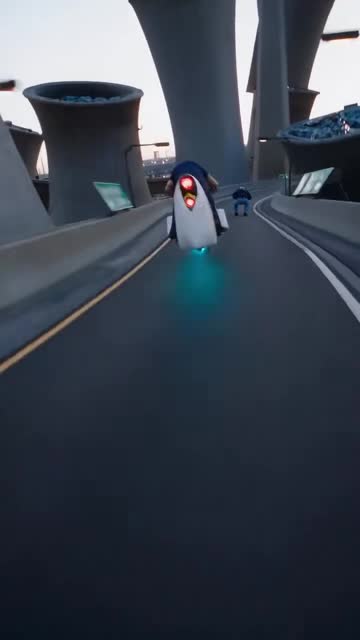
A scene from the original invisible-motorcycle chase
CRAZYFROGSame wild chase. A new lead.
MAKE AN ENTRANCE

An invisible ride. An unforgettable you.

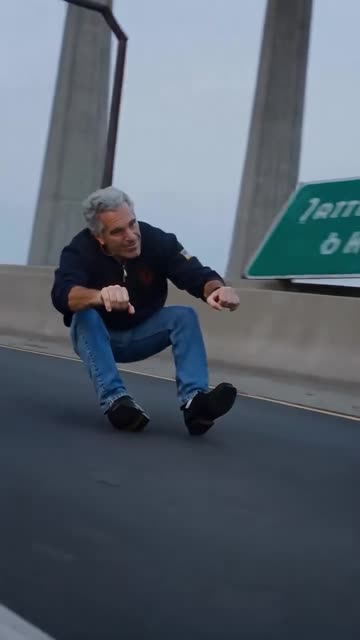
The brief is simple: keep the road, the camera, and the pursuing officer. Cast the person in your photo as the rider up front.

  • Your look, in motion

    The prompt guides the model to preserve your face, hair, skin tone, and clothing.

  • Follow the chase

    Use the reference for the movement, camera rhythm, and invisible-motorcycle performance.

  • Skip the timeline

    The reference and prompt are already set. Upload, confirm, and follow your generation.
Make it me
INSIDE THE REFERENCE

A chase with a rhythm of its own.

Explore six moments from the supplied reference before creating your version.

Into the chase00:01

Into the chase

Invisible handlebars00:03

Invisible handlebars

Down the road00:06

Down the road

A look behind00:08

A look behind

The escape unfolds00:11

The escape unfolds

The chase rolls on00:14

The chase rolls on

These are frames from the reference video, not AI-generated results.

BUILT FOR THIS MOMENT

Less setup. More main-character energy.

A dedicated workflow from your first photo to your saved video.

A personal starting point

Your uploaded image is the identity reference. A clear face gives the model a better starting point.

One ready-made scene

The chase reference, prompt, vertical format, and quality are already configured.

Know your credits

See the cost before confirming. Failed generations return their credits; saved jobs stay in My videos.

LESS SETUP. MORE ACTION.

From one photo to the open road.

No editing timeline. No complicated prompts. Just bring your best face.

01

Pick your main character.

Upload a clear photo of yourself. Your face, hair and outfit become the character reference.

02

Let the chaos unfold.

Seedance 2.5 follows the chase, the jumps and the camera moves, with you in the lead.

03

Take your moment with you.

Preview your vertical video, download it and keep every completed creation in your library.

GIVE AI A CLEAR START

A better photo makes a better starting point.

Choose a recent photo of yourself. Keep your face visible and the scene simple.

What works well

A clear, well-lit face

Use a front or slight three-quarter view with natural lighting.

One person in the frame

Make it obvious who should become the rider.

Visible clothing and upper body

Include your shoulders and outfit so the model has more visual detail.

What to leave out

Group photos

Multiple faces can make the intended identity unclear.

A covered face

Skip masks, heavy sunglasses, and hands covering facial features.

Blur and heavy filters

Avoid tiny, dark, highly edited, or motion-blurred photos.

FAQ

A few things before you ride.

Photos, credits, and the finished video — here is how it works.

1

What kind of photo works best?

Use one well-lit photo with a single person and a clearly visible face. A front-facing portrait helps. JPG, PNG and WebP files up to 8 MB are supported.

2

What changes in the video?

The prompt asks the model to replace only the front rider and preserve the chase, invisible motorcycle, police officer, scene and camera work. AI output may vary and is not an exact frame-by-frame edit.

3

What happens if a generation fails?

When the provider confirms a failure, credits are returned automatically. If submission is uncertain, the task is held for verification to prevent a duplicate provider charge. Your task stays visible in My videos.

4

How are my photo and video handled?

Your photo is sent to our configured media storage and kie.ai to create the video, together with the fixed video and MP3 references. Media links may be accessible to anyone who has the URL. Your library is linked to your account. AI audio may differ from the reference.

YOUR TURN IN THE SPOTLIGHT

Ready to take the invisible handlebars?

Bring a photo. We have the chase ready.

Make it mePricing